Classic Design Revit Sweep – Baseboards Pack 7
Order in the next for
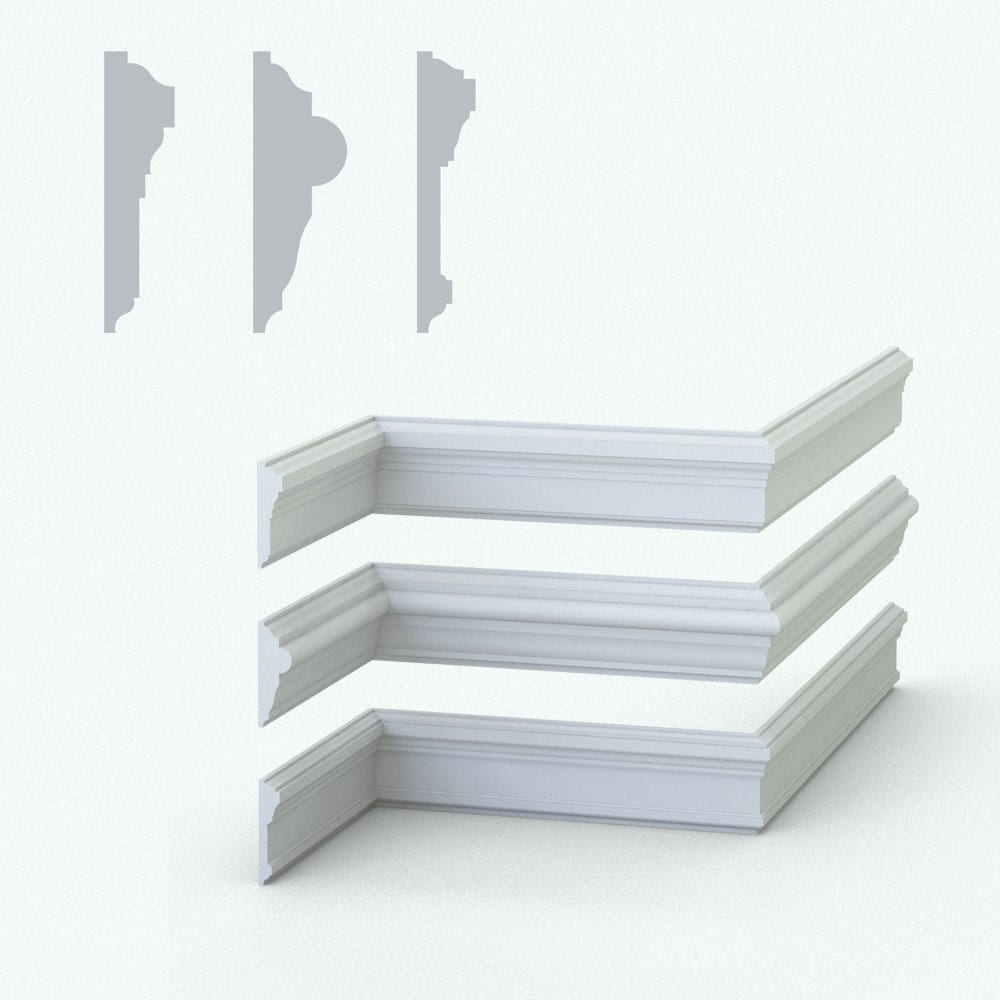
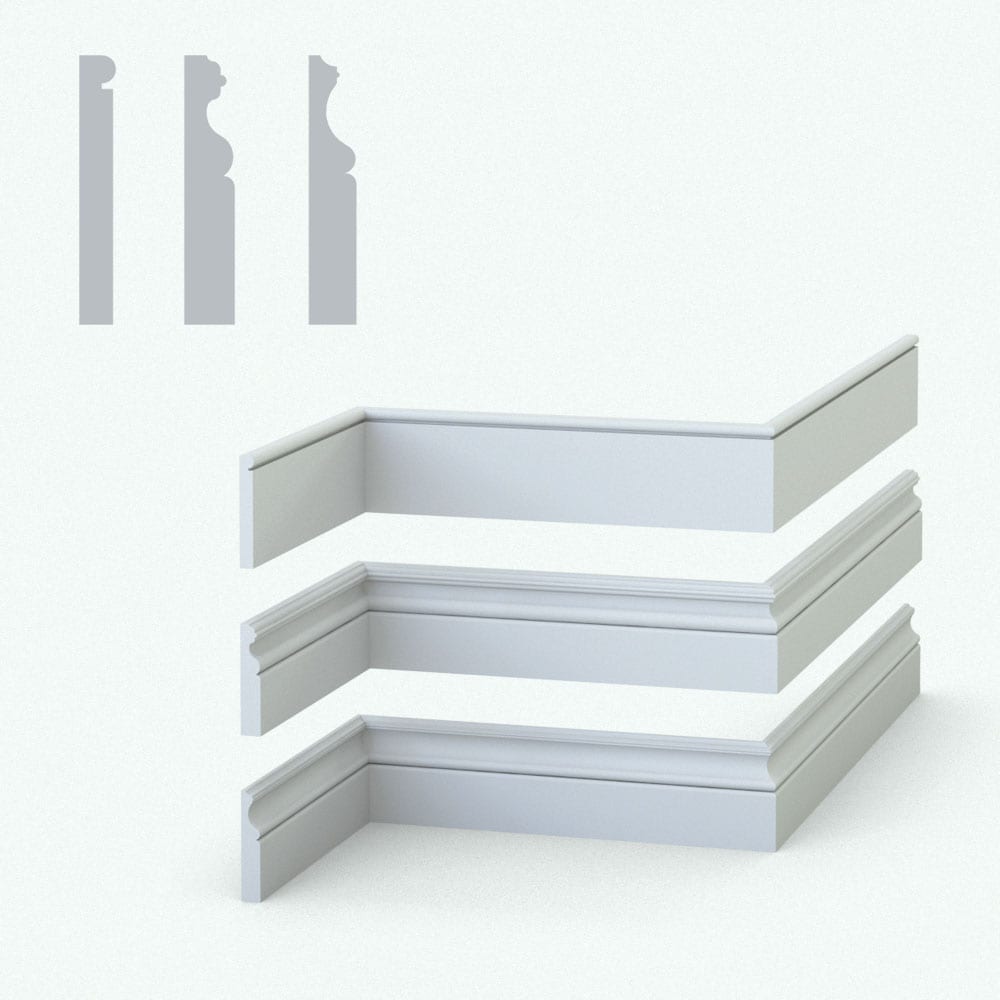
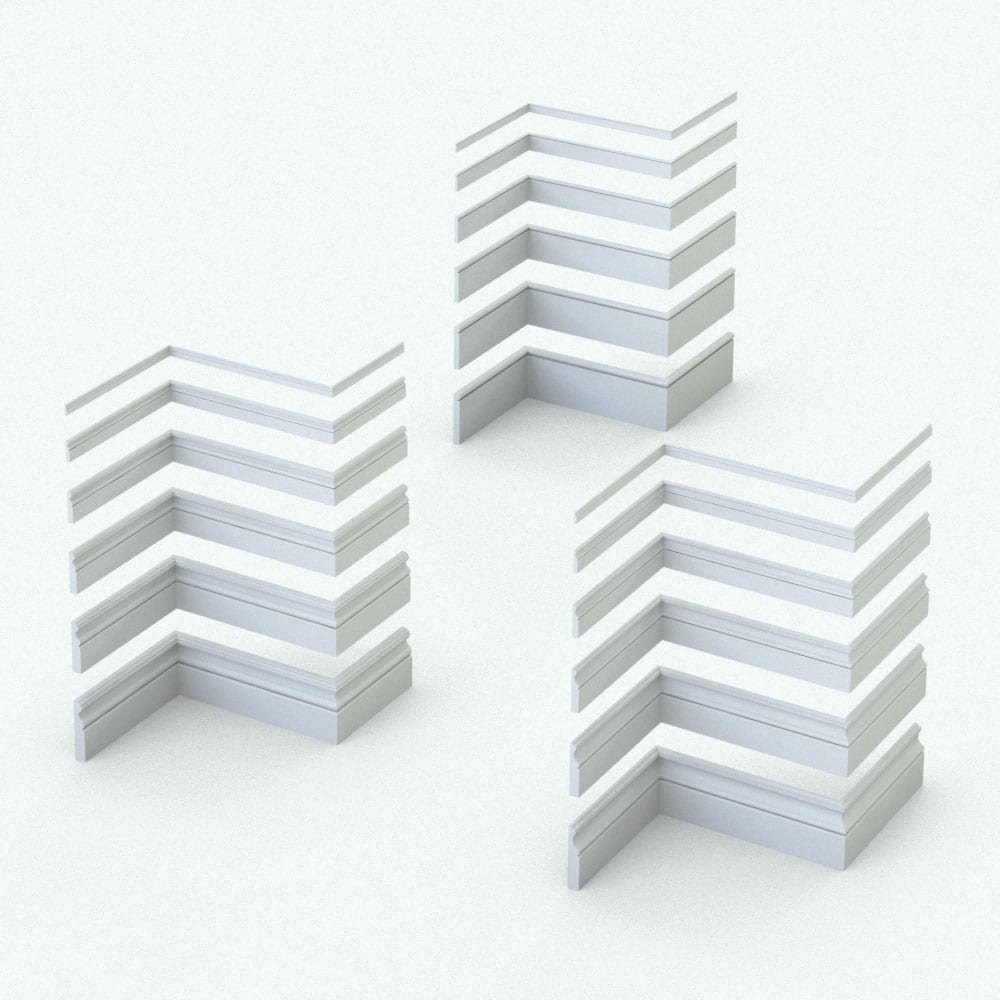
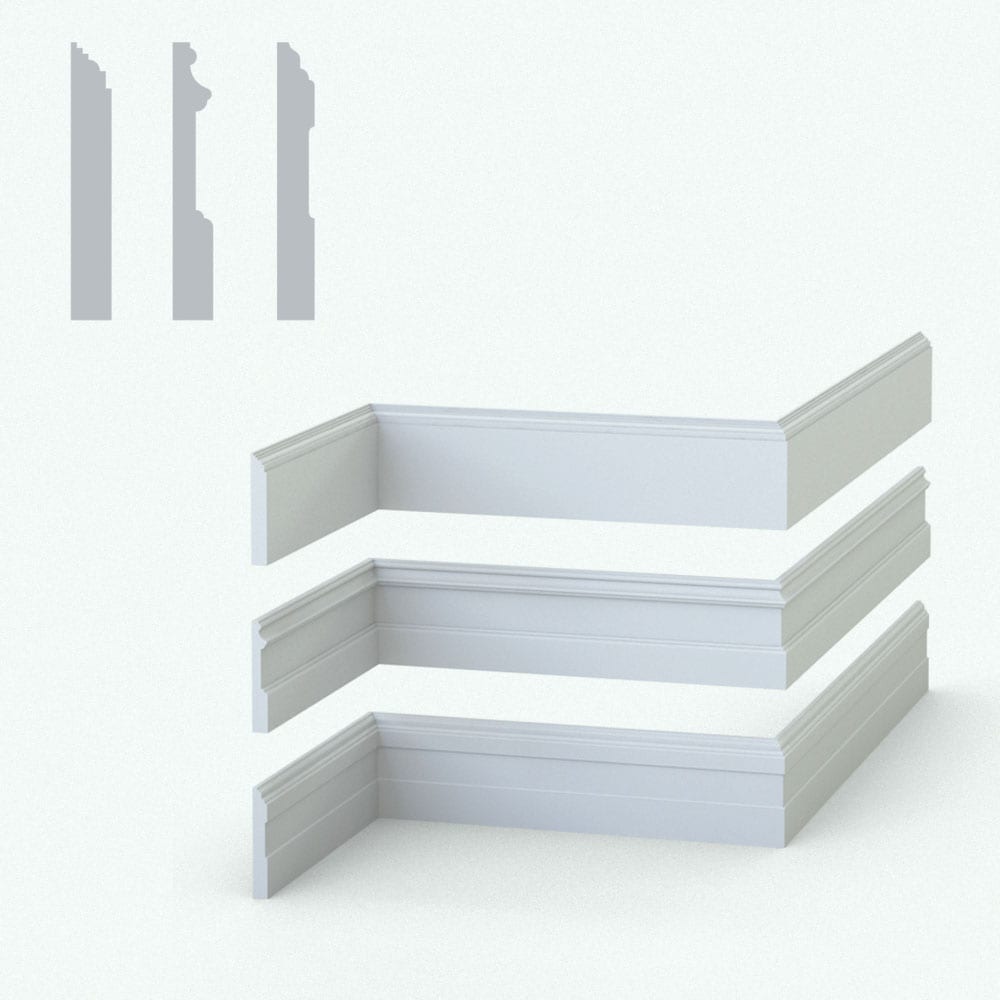
Elevate your interiors with the Classic Design Baseboard Pack, a perfect choice for timeless and sophisticated spaces. These profiles bring elegance and tradition to your projects, ensuring a polished finish. Compatible with the Revit wall sweep tool, this Revit family simplifies the process of adding classic touches to your designs. Make it yours today and impress your clients. Revit Family Technical Information Parametric: Yes Hybrid*: No Compatible with: Revit 2016 and higher. Family type: Profile Materials/textures: No Approximate file size: 0.3 MB each** File format: .rfa Each of these classic design wall sweep Revit baseboard families comes in the following sizes (the size is the height of the moulding). By changing the size, the width and the rest of the dimensions will update to keep it proportional): 2″ 3″ 4″ 5″ 6″ 8″ 10″ 12″ To use this pack: copy and paste the provided walls from the rvt file into your project first (you can delete them afterwards). Then use the Wall Sweep option to place the mouldings into your project walls. You can switch between the different baseboard sizes in the Properties Panel. * Hybrid families combine native Revit objects with other 3D applications’ objects for a more organic and realistic look to the families. The objects coming from other 3D applications are configured to NOT have mesh lines (only outlines) and to display in black. ** Baseboards are all inserted into a rvt file which is larger in size. This rvt file already includes all the family sizes of the baseboards. Before purchasing our Revit families and 3D models, make sure you have a software like Winzip or Peazip to unzip files since all our files are delivered in zip format.
Related products
-12%